01
Best place to start
Chart, Test & Validate
Build and backtest in TradingView, then stress test the results with QuantGrip.

The tools behind my trading workflow
See what I actually use, where each platform fits, and which ones may—or may not—make sense for you.
Start with the problem
There is no universal “best” platform. Start with what you need the tool to help you do.
Build and backtest in TradingView, then stress test the results with QuantGrip.
Compare my preferred US-friendly broker with a widely recognized global option.
Explore the tools I use to build bots, journal trades, and improve the process.
My trading toolkit
These are platforms I actually use, organized so you can quickly see where each one fits.
Disclosure: I may earn a commission if you sign up through certain links, at no additional cost to you.
01 / DAILY DRIVER
Chart · Test · Alert
This is where I do nearly everything: charting, price alerts, strategy discovery, backtesting, and paper trading.
New paid users may receive a $15 credit through my link. Offer terms can change.
Choose your broker path
Availability, products, and account eligibility vary by country. Always confirm what is available where you live.
02 / US PATH
US-friendly
My more approachable choice for US traders who want an easy-to-use app with deeper charting and market data than a basic brokerage experience.
Supports multiple account types and products, subject to eligibility and availability.
03 / GLOBAL PATH
Global access
A widely recognized global broker with access to a broad range of markets and products.
My stronger global recommendation; many US traders may find Webull easier to start with.
Extend the workflow
The right add-on depends on the part of your process that needs the most help.
04 / STRESS TEST
Stress testing
Run Monte Carlo analysis, stress tests, prop-firm simulations, and blended strategy analysis from TradingView backtest exports.
Use it when a normal backtest is not enough to tell you how robust a strategy really is.
05 / REVIEW
Trading journal
A trading journal built to expose patterns, strengths, mistakes, and opportunities to improve your execution.
Channel viewers can currently use code TC20 for 20% off. Offer terms can change.
06 / AUTOMATE
Bot building
Build custom trading bots and explore verified strategies, with supported broker connections for stocks and crypto.
I use it most heavily for bot building; supported brokers are a meaningful limitation to check first.
07 / EVENT MARKETS
Event markets
A clean platform for trading event contracts across sports, economics, elections, and other real-world outcomes, plus perpetual futures.
A higher-risk, specialized option—not a replacement for a complete trading process.

Behind TC Trading
I’m Thomas Carvo. TC Trading is where I break down the platforms I use, explain where each one fits, and share the tradeoffs you should know before choosing one.
Coming later
I’m building a complete walkthrough of the process from strategy idea to testing, execution, monitoring, and review.
Learn the process
webull
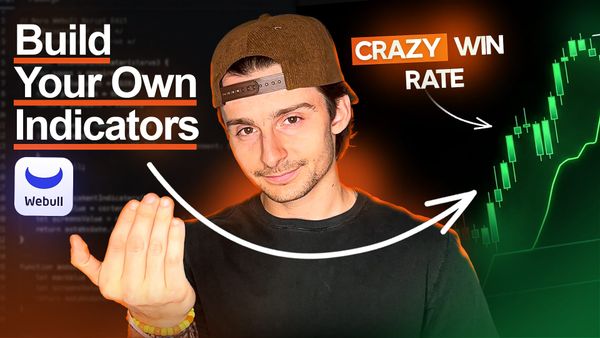
Build Webull custom indicators with Vega AI: EMA and RSI examples, copyable prompts, error handling, and a checklist for verifying the results.

day trading
Use Claude to draft Pine Script, check entries and exits in TradingView, compare filters, and build a reproducible backtest before testing alerts.
webull
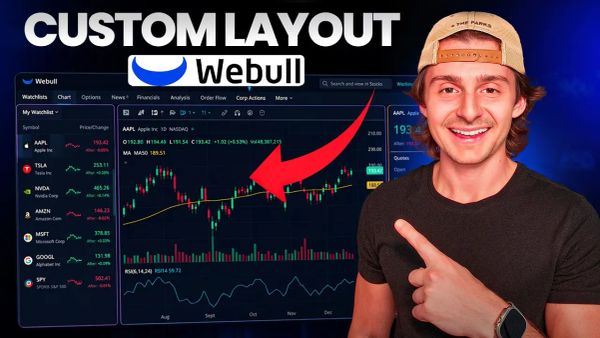
A step-by-step 2026 walkthrough on building a fully customized Webull desktop layout — charts, watchlists, news, order entry, and more.
AI trading
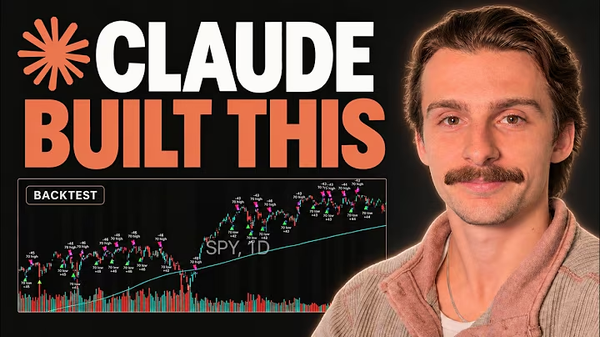
Build and test a SPY strategy with Claude AI using TradingView or a guided skill. Compare backtests, stress tests, and simulated forward testing.
Kalshi
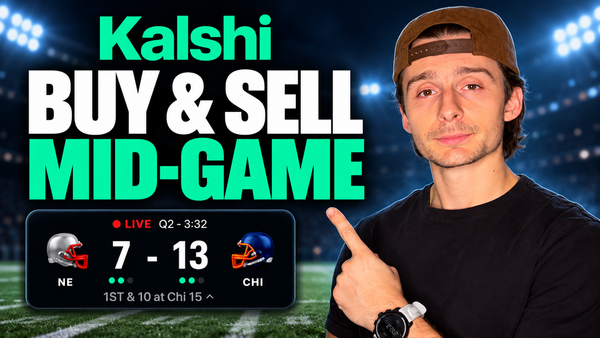
A recorded Patriots vs. Bears walkthrough showing live entries, limit orders, fees, and a filled exit at a $1.97 loss. The player position remains open.
Kalshi
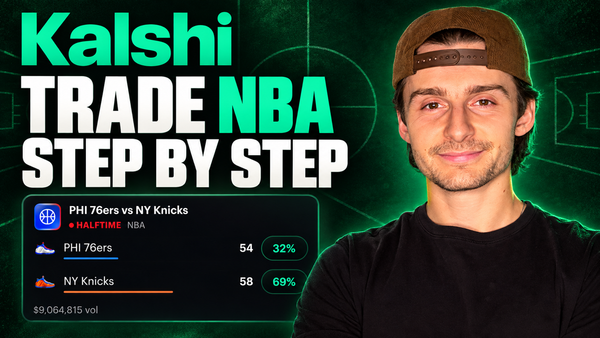
Learn the NBA trading workflow on Kalshi, from reading contract prices and market rules to placing orders, comparing fees, and managing a position.
The TC Trading standard
Every recommendation should solve a real problem, earn its place, and come with honest context about the tradeoffs.